01
What the map tells you
Use density as context, not as a guarantee.
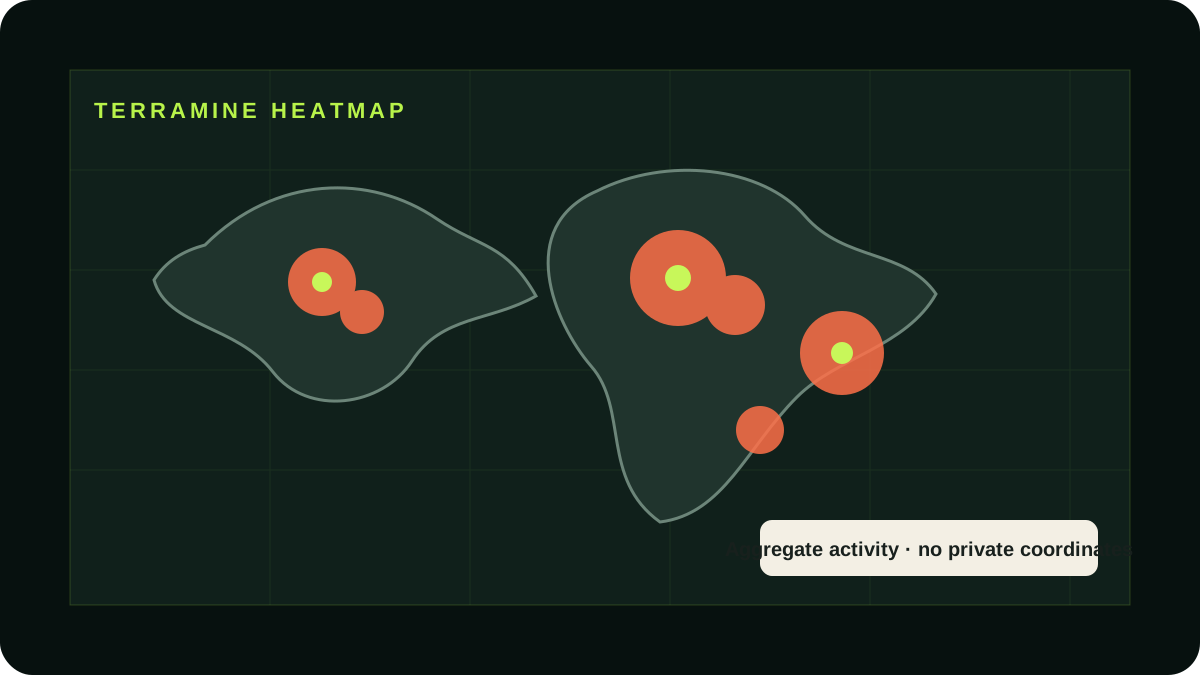
A brighter or denser area suggests more TerraMine activity. That can help you identify cities where check-ins, community discussion and nearby claimed TerraAcres may be more common.
The heatmap does not prove that a specific place will be profitable, that unclaimed land is available or that another player will visit your mine. Always verify the current public map on TerraMine's own website before making a decision.
02
Practical strategy
Compare places you already visit.
- Use the embedded map above and compare your home city, work area and usual routes.
- Look for broad clusters rather than individual points.
- Claim locations that remain convenient for your own activity and check-ins.
- Use the mine-type filters to understand the visible mix around each area.
03
Privacy rule
Share trends, never private routines.
It is reasonable to say that TerraMine activity appears to be growing in a city or country. It is not reasonable to publish a precise property coordinate, identify a private address or speculate about a player's movements.
Good content: “TerraMine activity is increasing around London.” Avoid: “This exact property probably belongs to this person.”